PARENT GUIDE · TOURNAMENT DAY
Get your wrestler’s
match alerts.
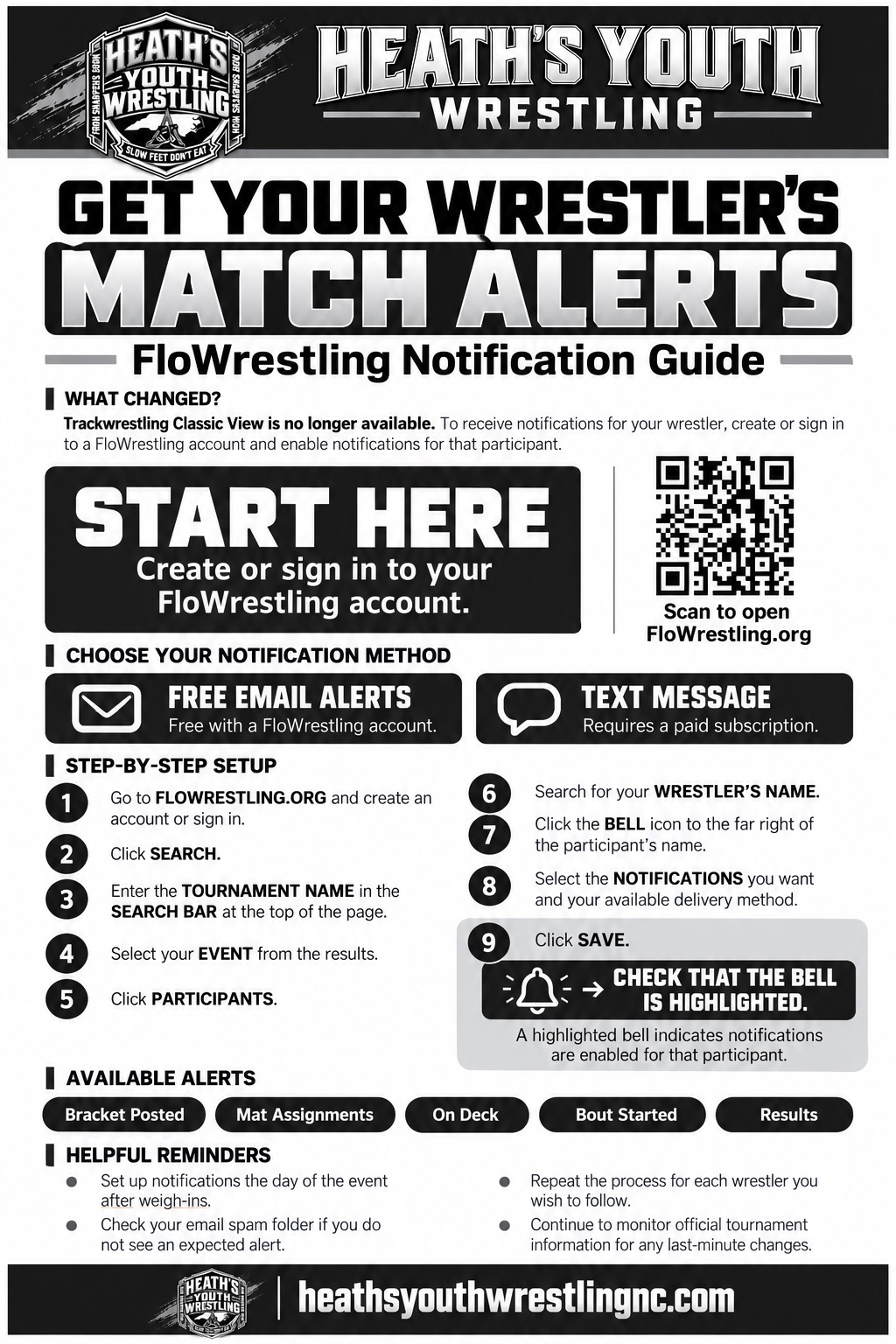
Start by creating or signing in to your FloWrestling account. Then find your tournament and turn on alerts for each wrestler you want to follow.
Already signed in? Open FloWrestling and search for your tournament.
Set up your alerts
- Find the event. Use Search or Schedule and enter the tournament name.
- Find your wrestler. Open the event’s Participants, Teams, or My Wrestlers section. Search for your child and add them to follow if prompted.
- Tap the bell. Choose the alerts and delivery methods you want, then save.
- Check your settings. Confirm the bell is highlighted. Repeat for each wrestler.
Email alerts are available with a registered account. SMS text alerts require a paid FloSports subscription. Available options appear in your FloWrestling notification settings.
Set up alerts on event day after weigh-ins. Check your spam folder for missing emails, and continue to watch official mat assignments and tournament announcements.
 OPEN FULL-SIZE GUIDE